


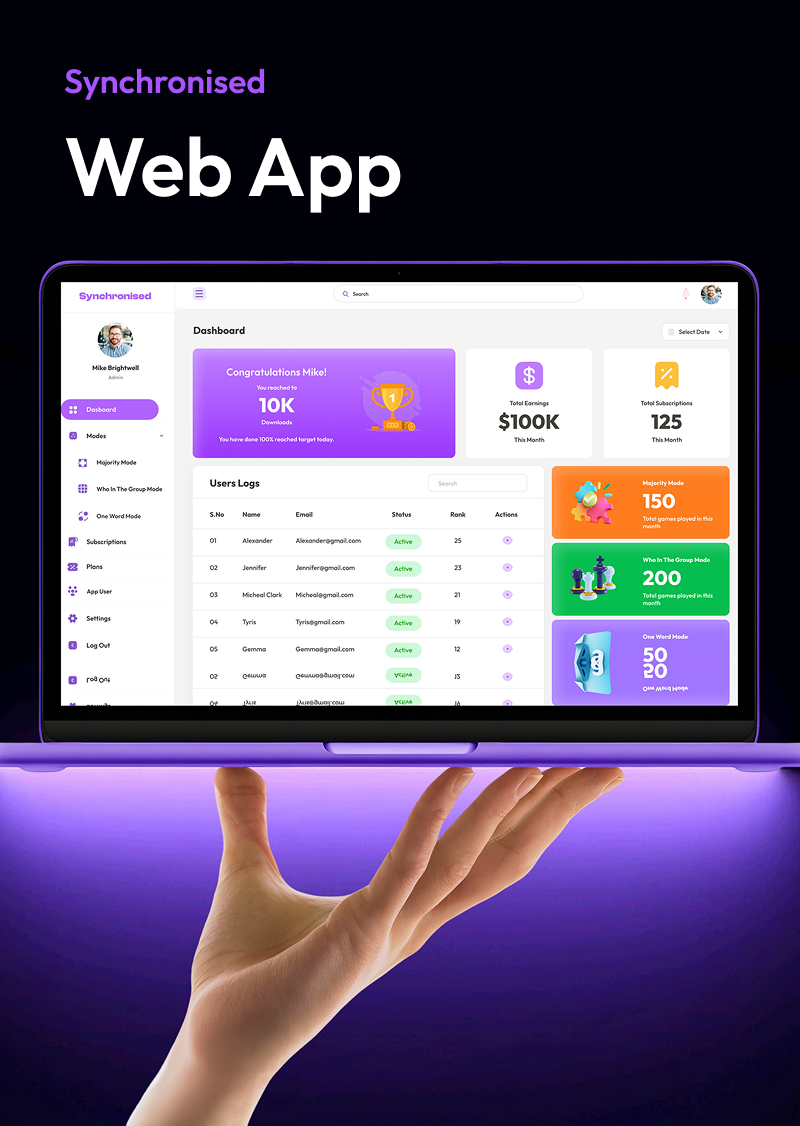
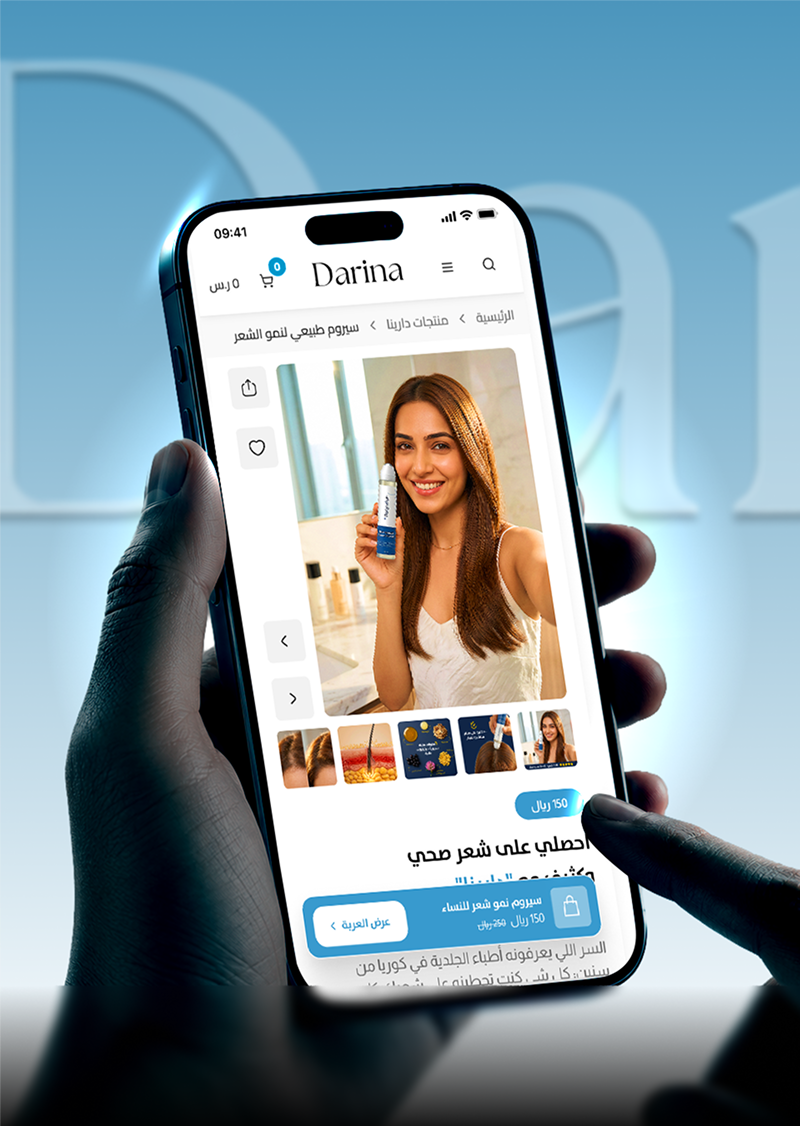
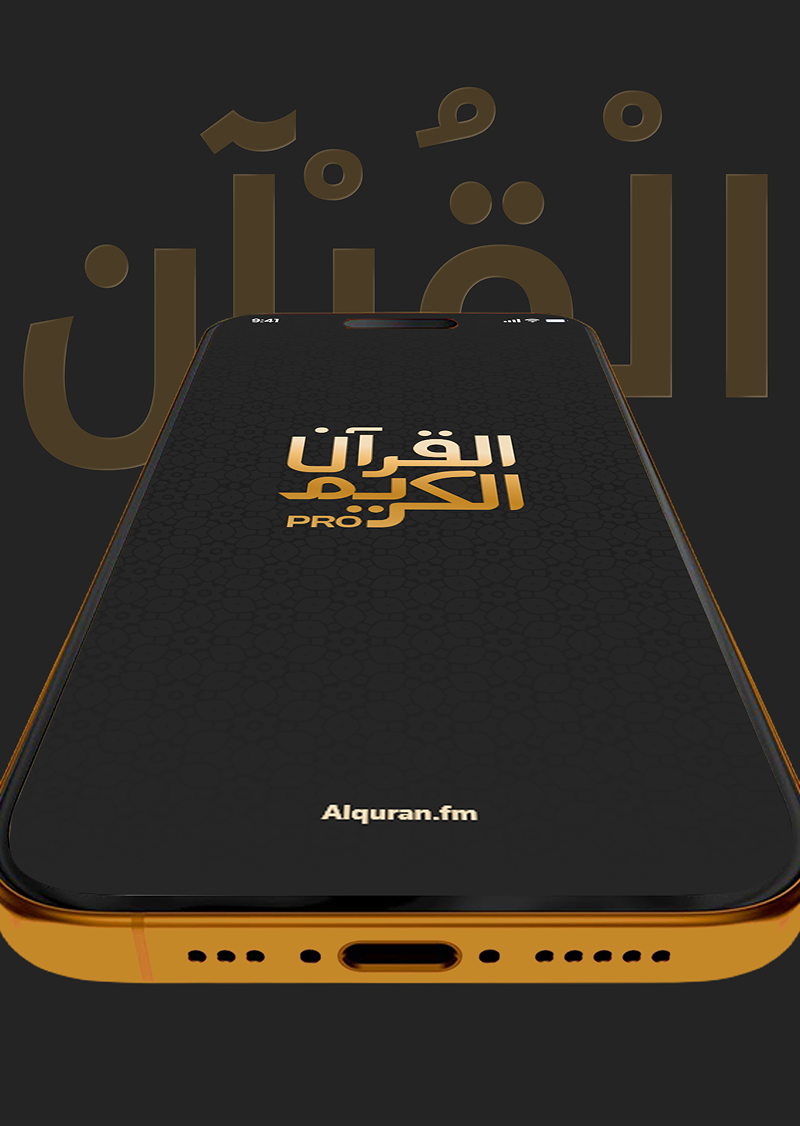
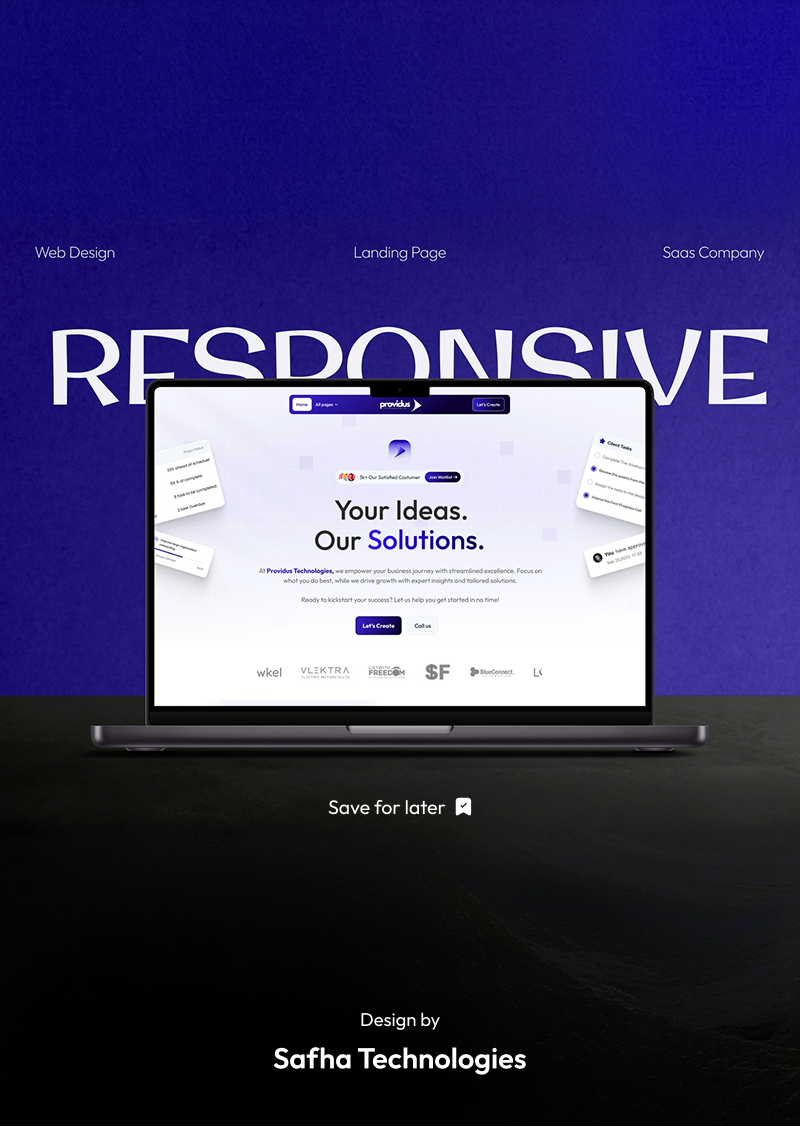
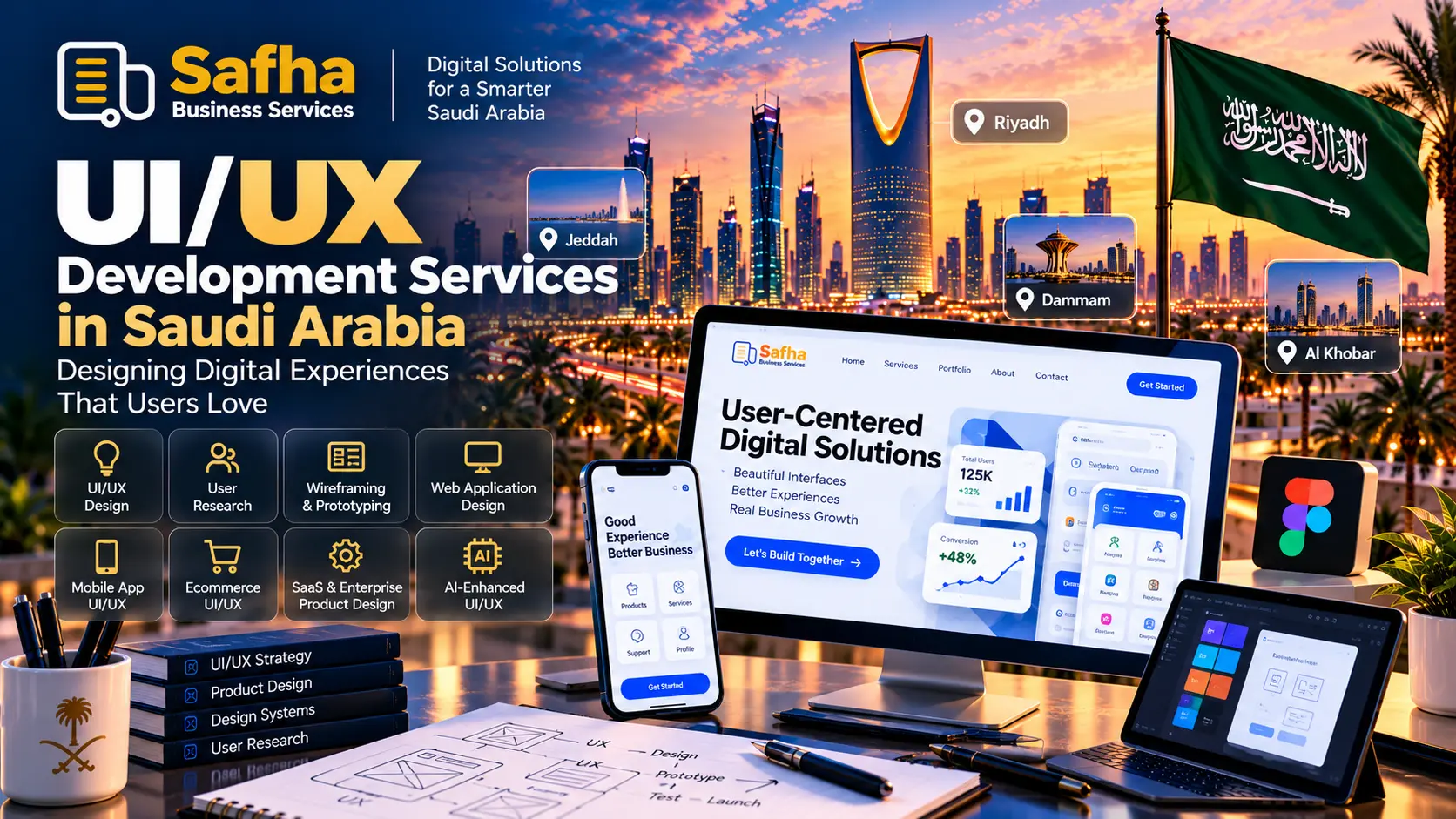
In today’s digital-first Saudi market, a website or mobile application needs to do more than simply work. It needs to be easy to understand, fast to navigate, visually professional, and designed around the people who use it. This is where UI UX development services play an important role.
UI and UX design combine business strategy, user research, information architecture, interface design, usability, and technology to create digital products that are both attractive and practical.
For businesses in Riyadh, Jeddah, Dammam, Al Khobar, and the wider Eastern Province, investing in professional UI/UX can help create digital experiences that reflect local user expectations while supporting business objectives.
Whether you are building a mobile application, SaaS platform, ecommerce store, enterprise dashboard, website, or AI-powered product, the right UI/UX approach can make the experience clearer, easier, and more effective.
Key Takeaways
- UI focuses on the visual interface, while UX focuses on the overall user journey.
- Professional UI UX development services combine research, strategy, design, prototyping, testing, and developer handoff.
- Saudi businesses often need Arabic, English, and RTL-ready digital experiences.
- Mobile-first design is essential for modern websites and applications.
- Good UI/UX should support business goals rather than simply look attractive.
- AI can assist designers and developers, but human research and usability validation remain important.
- UI/UX is valuable for ecommerce, SaaS, mobile apps, enterprise systems, healthcare, education, retail, restaurants, and other industries.
- The right UI/UX partner should understand both technology and the Saudi market.
What Is UI/UX?
UI and UX are closely related but serve different purposes.
What Does UI Mean?
UI, or User Interface, refers to the visual and interactive elements of a digital product.
This includes:
- Colors
- Typography
- Buttons
- Icons
- Forms
- Menus
- Cards
- Images
- Spacing
- Animations
- Navigation elements
The goal of UI design is to create an interface that is visually clear, consistent, accessible, and aligned with the brand.
What Does UX Mean?
UX, or User Experience, focuses on how users interact with a product and how easily they can complete their goals.
UX considers:
- User needs
- Customer journeys
- Navigation
- Information architecture
- User flows
- Usability
- Accessibility
- Friction points
- Conversion paths
- Overall satisfaction
In simple terms:
UI is how the product looks and behaves visually. UX is how the entire experience works for the user.
A successful digital product needs both.
What Are UI UX Development Services?
UI UX development services combine user experience strategy and interface design with the technical requirements needed to turn those designs into functional digital products.
Depending on the project, services may include:
- UX research
- User personas
- User journey mapping
- Information architecture
- Wireframing
- UI design
- Interactive prototypes
- Design systems
- Usability testing
- UX audits
- Responsive design
- Mobile app UI/UX
- Web application design
- SaaS product design
- Ecommerce UX
- Dashboard design
- Arabic and RTL design
- Accessibility-focused design
- Developer handoff
- UI implementation support
The process should begin with understanding the users and business problem rather than immediately designing screens.
Why UI/UX Matters for Saudi Businesses?
Saudi Arabia’s digital economy continues to develop rapidly, and users increasingly interact with businesses through websites, mobile applications, ecommerce platforms, self-service portals, and digital products.
This means customers often form their first impression of a company through its digital experience.
A confusing website can create friction.
A complicated checkout process can cause customers to leave.
A poorly structured application can make users struggle to complete basic tasks.
On the other hand, a clear and intuitive experience can help users:
- Find information faster
- Understand products and services
- Complete tasks more easily
- Navigate between screens
- Make purchasing decisions
- Contact the business
- Return to the platform
For businesses serving Saudi customers, UI/UX should also consider Arabic content, RTL layouts, local expectations, and bilingual experiences where required.
Arabic-First and Bilingual UI/UX Design
One of the most important considerations for digital products targeting Saudi Arabia is Arabic usability.
Arabic design is not simply an English interface translated into Arabic.
A proper Arabic experience may require adjustments to:
- Navigation direction
- Text alignment
- Typography
- Button placement
- Forms
- Tables
- Dashboards
- Icons
- Content hierarchy
- Number formatting
- Spacing
- Responsive layouts
RTL Design
Arabic interfaces normally require right-to-left (RTL) layouts.
RTL should be considered from the beginning of the design process rather than added after the English interface is completed.
For bilingual platforms, designers should ensure that both Arabic and English versions feel natural rather than treating one language as an afterthought.
This is particularly important for:
- Saudi ecommerce platforms
- Government-facing systems
- Enterprise applications
- Education platforms
- Healthcare applications
- Banking and financial interfaces
- Customer portals
- SaaS products
UI UX Development Services for Mobile Apps
Mobile applications require a different approach from desktop websites because users interact primarily through touch.
Professional mobile UI/UX design should consider:
- Touch-friendly controls
- Thumb-friendly navigation
- Clear screen hierarchy
- Simple onboarding
- Fast task completion
- Responsive layouts
- Loading states
- Error messages
- Notifications
- Accessibility
- Platform conventions
A good mobile experience should make the most important actions easy to find.
For example, an ecommerce application should make it simple for a customer to:
Search → Discover → View Product → Add to Cart → Checkout → Track Order
Every unnecessary step creates additional friction.
UI/UX development can support both iOS and Android applications while maintaining a consistent brand experience.
UI/UX for Websites and Web Applications
A business website is often the first digital touchpoint between a company and its customers.
Professional website UI/UX should make it immediately clear:
- Who the company is
- What it offers
- Who it serves
- Why customers should trust it
- What action users should take next
For web applications and SaaS platforms, UX becomes even more important because users may interact with the system regularly.
Examples include:
- CRM platforms
- ERP systems
- HR applications
- Business dashboards
- Learning management systems
- Customer portals
- Booking platforms
- Internal enterprise applications
A good enterprise interface should balance functionality with simplicity.
UI/UX for Ecommerce and Online Stores
Ecommerce UX directly affects how customers discover products and move toward purchase.
Important elements include:
Product Discovery
Customers should be able to search, filter, compare, and browse products easily.
Product Information
Images, descriptions, pricing, availability, variants, and other information should be presented clearly.
Shopping Cart
Adding, removing, and updating products should be straightforward.
Checkout
The checkout experience should minimize unnecessary steps and clearly communicate what the customer needs to do.
Trust
Important information such as delivery, returns, payment options, and customer support should be easy to find.
This is particularly relevant for businesses running online stores through platforms such as Shopify, WooCommerce, Salla, or custom ecommerce systems.
UI/UX for Enterprise and Business Platforms
Enterprise software often contains many features, permissions, workflows, reports, and data points.
Without proper UX planning, enterprise platforms can become difficult to use.
Professional enterprise UI/UX can improve:
- Navigation
- Role-based dashboards
- Workflow management
- Data visualization
- Search
- Filters
- Forms
- Reporting
- Approvals
- Notifications
- System consistency
For example, a CRM interface should allow sales teams to quickly find customers, leads, opportunities, activities, and reports without navigating through unnecessary screens.
The same principle applies to ERP, POS, LMS, HR, finance, and business automation platforms.
AI-Assisted UI/UX Design
Artificial intelligence is becoming part of modern product design and development workflows.
AI can assist teams with:
- Generating design ideas
- Exploring interface variations
- Creating content suggestions
- Analyzing patterns
- Prototyping concepts
- Supporting developer workflows
- Generating component ideas
- Accelerating repetitive tasks
Designers and developers may encounter tools and resources such as Figma, GitHub, Claude Code, 21dev, 21st.dev, UI UX Pro Max, and UI UX Pro Max Skill resources as part of modern design and development workflows.
Searches such as ui ux design ai, ui ux pro max, ui ux pro max skill GitHub, and ui ux pro max skill Claude reflect growing interest in AI-assisted product design and development.
However, AI should support the design process rather than replace user research, business understanding, usability testing, and professional judgment.
The objective should always be:
Better user experience, not simply faster design.
UI/UX Design Process
A professional UI/UX project usually follows a structured process.
1. Discovery and Research
Understand:
- Business objectives
- Target users
- Customer problems
- Competitors
- Existing product issues
- Technical requirements
2. User Journey Mapping
Map how users move through the product.
For example:
Landing Page → Registration → Dashboard → Service → Payment → Confirmation
This helps identify unnecessary steps and potential friction.
3. Information Architecture
Organize information, features, categories, and navigation so users can find what they need.
4. Wireframing
Create basic layouts before applying the final visual design.
Wireframes help teams validate structure before investing heavily in visual details.
5. UI Design
Develop the visual system, including:
- Colors
- Typography
- Components
- Icons
- Buttons
- Cards
- Forms
- Spacing
- Visual hierarchy
6. Interactive Prototype
Create a clickable prototype so stakeholders can experience the proposed flow.
7. Usability Testing
Test whether real users can understand and complete important tasks.
8. Developer Handoff
Provide developers with:
- Design files
- Components
- Measurements
- States
- Assets
- Interaction specifications
- Responsive behavior
9. Implementation and Validation
Once development begins, designers and developers should work together to ensure the final product matches the approved experience.
UI UX Design Services Near Me: Riyadh, Jeddah, Dammam and Khobar
Businesses searching for ui ux design services near me often need more than a designer who can create attractive screens.
They need a team that understands:
- Their business model
- Their customers
- Their technology
- Their industry
- Their local market
- Their language requirements
For businesses in Riyadh, UI/UX may be required for enterprise platforms, startups, ecommerce, SaaS products, and digital services.
For businesses in Jeddah, design requirements may include ecommerce, hospitality, retail, healthcare, and service platforms.
In Dammam and Al Khobar, UI/UX can support industrial businesses, B2B platforms, healthcare, retail, logistics, and enterprise systems.
Across the Eastern Province, a strong bilingual and mobile-first experience can help businesses serve diverse customer and employee groups.
Therefore, when searching for a ui ux design agency in Riyadh or ui ux design services near Jeddah, businesses should evaluate the agency’s process and understanding of their users—not just its portfolio.
Benefits of Professional UI UX Development Services
Better Usability
Users can understand the product and complete tasks with less confusion.
Stronger Brand Experience
Consistent typography, colors, components, and interactions create a professional digital identity.
Higher Customer Confidence
Clear information and predictable interactions can make users feel more comfortable using a platform.
Better Conversion Journeys
A well-designed user flow can make important actions such as registration, booking, purchasing, or submitting a request easier to complete.
Reduced Development Rework
Wireframes and prototypes can help identify design problems before they become expensive development changes.
Better Accessibility
Thoughtful UI/UX can make digital products easier to use for a wider range of people.
Easier Product Scaling
A structured design system makes it easier to add new screens and features while maintaining consistency.
UI/UX Use Cases Across Saudi Industries
Retail
Create better shopping, loyalty, product discovery, and customer experiences.
Ecommerce
Improve product discovery, checkout, account management, and mobile shopping.
Healthcare
Design appointment booking, patient portals, dashboards, and healthcare applications.
Education
Improve student portals, LMS platforms, online learning, and administrative systems.
Restaurants
Design ordering, delivery, loyalty, booking, and customer-facing applications.
Real Estate
Create property search, filtering, inquiry, booking, and agent experiences.
Logistics
Improve shipment tracking, driver applications, dashboards, and operational workflows.
Finance
Design secure, clear, and easy-to-understand financial experiences.
Enterprise
Simplify complex ERP, CRM, HR, POS, analytics, and business automation systems.
How to Choose the Right UI/UX Design Company in Saudi Arabia?
Before selecting a ui ux design services company, consider the following:
1. Portfolio
Look beyond visual aesthetics. Check whether previous projects demonstrate good usability and clear information architecture.
2. UX Process
Ask whether the company performs research, user journey mapping, wireframing, prototyping, and testing.
3. Arabic Experience
For Saudi businesses, verify that the team understands Arabic typography and RTL design.
4. Technical Understanding
UI/UX should work with the technology that will actually be developed.
5. Mobile Experience
Ask how the team approaches iOS, Android, responsive web, and touch interactions.
6. Design Systems
A professional team should be able to create reusable components and consistent design rules.
7. Accessibility
Consider whether accessibility requirements are included in the design process.
8. Collaboration
The designer should be able to work effectively with developers, product managers, and business stakeholders.
9. Testing
A polished design should still be validated through usability testing and feedback.
10. Business Understanding
The ultimate goal is not to win a design award. It is to solve a user problem while supporting the business.
Safha Technologies’ Approach to UI/UX
Safha Technologies approaches UI/UX as part of the wider digital product development process.
The approach can include discovery and research, user journey mapping, usability validation, visual design, and developer handoff. Safha also provides UI/UX services for web applications, SaaS platforms, mobile applications, ecommerce experiences, dashboards, landing pages, and accessibility-focused design.
For Saudi organizations, the approach considers local user behavior and bilingual Arabic-English experiences, including RTL requirements where needed.
UI/UX can also be connected with broader digital capabilities such as:
- Mobile app development
- Website development
- Custom software
- CRM
- Odoo ERP
- POS
- LMS
- AI solutions
- Business automation
This allows UI/UX to be considered alongside the actual technology, workflows, and systems behind the product.
UI/UX Is More Than Visual Design
A beautiful interface does not automatically mean a good user experience.
A successful product should answer important questions:
- Can users understand what to do?
- Can they find information quickly?
- Can they complete important tasks?
- Does the interface work well on mobile?
- Does Arabic work naturally?
- Are errors easy to understand?
- Does the design support accessibility?
- Does the product help the business achieve its goals?
When these questions are addressed early, design becomes a strategic part of product development rather than simply a visual layer added at the end.
Conclusion
UI UX development services help businesses transform ideas, websites, applications, and digital platforms into experiences that are easier to understand, use, and scale.
For businesses in Saudi Arabia, Riyadh, Jeddah, Dammam, Al Khobar, and the Eastern Province, effective UI/UX should combine global design principles with local user expectations, Arabic and English usability, RTL support, mobile-first thinking, accessibility, and clear business objectives.
Modern UI/UX is also evolving through AI-assisted workflows and new development tools. However, technology should remain a means to create better products—not a replacement for understanding real users.
Whether you are launching a startup, redesigning an existing website, building an ecommerce store, developing a mobile application, or creating an enterprise SaaS platform, investing in professional UI/UX can create a stronger foundation for your digital product.
Build a Better Digital Experience With Safha Technologies
Have a website, mobile app, SaaS platform, ecommerce store, or business system that needs a better user experience?
Discuss your requirements with Safha Technologies and explore a UI/UX approach designed around your users, business objectives, and Saudi market requirements.